Download 11 Challengers fantasy App and start your fantasy journey !
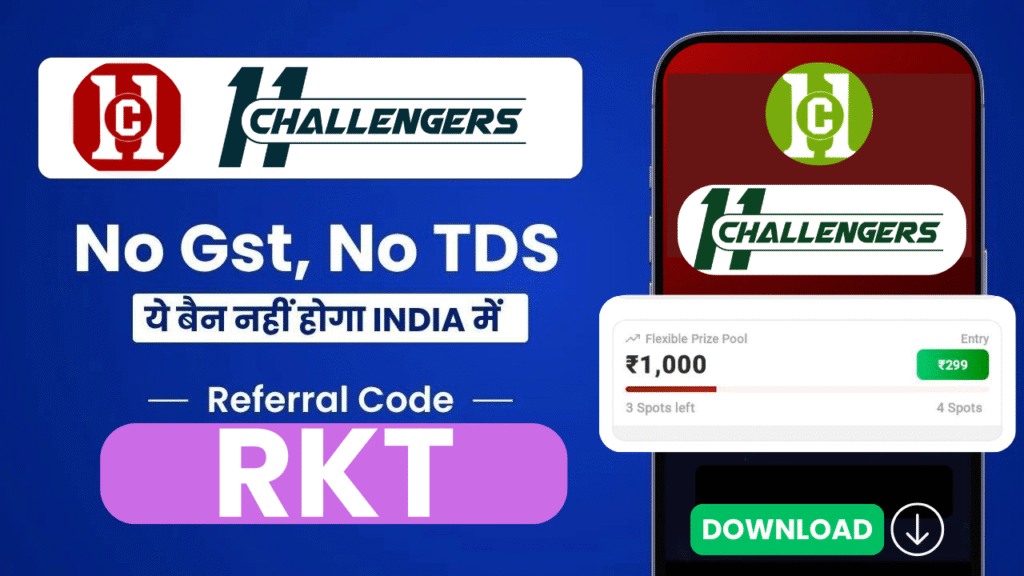
11 Challengers ko karo download aur khel ke dikhao apna groud ka skill mobile par !
11Challengers Sign-up Process (using referral code)
Step 1- Download the 11Challengers app and open it.
Step 2- Now, tap on “Invited by a friend? Enter Code”.
Step 3- Enter the following details- Team Name, Mobile number, Email ID, Password, Referral Code– rkt300 and tap on “Register”.
Step 4- Wait for a few seconds, you receive a 6-digit OTP. Enter the OTP and tap on “Verify OTP“.
After that, your 11Challengers Account is created successfully and you get the sign-up benefits (50 bonus).
Note- KYC verification is mandatory on 11Challengers to withdraw your Winning. So we request to verify KYC before adding money to the 11Challengers wallet.
11Challengers KYC Verification
Documents Required for 11Challengers KYC verification
Bank Account.
Mobile Number (Verified signup time)
Email ID,
PAN card, and Bank account
11Challengers: Features –
Following are the common features provided by 11Challengers to users on his app.
| Use of Bonus | 20% |
| GL & mini GL- | Yes |
| Instant Withdrawal | Yes |
| Withdrawal Method | Bank and upi |
| Withdrawal Limit- | Rs 200- 50K |
| Available Fantasy Sports | Cricket, Football, Kabaddi, Basketball |
| Contact Support | Email, Call |
| Leaderboard | Yes |